Lumix on fire :)
 So folks, quick poll:
 Loading ...
Seems like the camera has something to do with this one 😉
–
To not miss any of this exciting stuff a kind reminder to subscribe my networks!
Social Networks:
- Subscribe my youtube channel: Usually I do post the rumors there 15-30min in advance before I post them on SAR
- Follow me on Twitter: Yep, I paid for the blue check so that you will actually see me.
- Follow my page on Facebook: Be sure to select “Favorites” to be notified when there is a new article online
- Follow me on Instagram: Ok, this one is more tricky as I am currently getting lost having fun with Ai images 🙂
By subscribing you help me to motivate working on L-rumors, by making sure my exclusive rumor work get proper credit and visibility. Thank You All folks! Privacy notes can be read here.
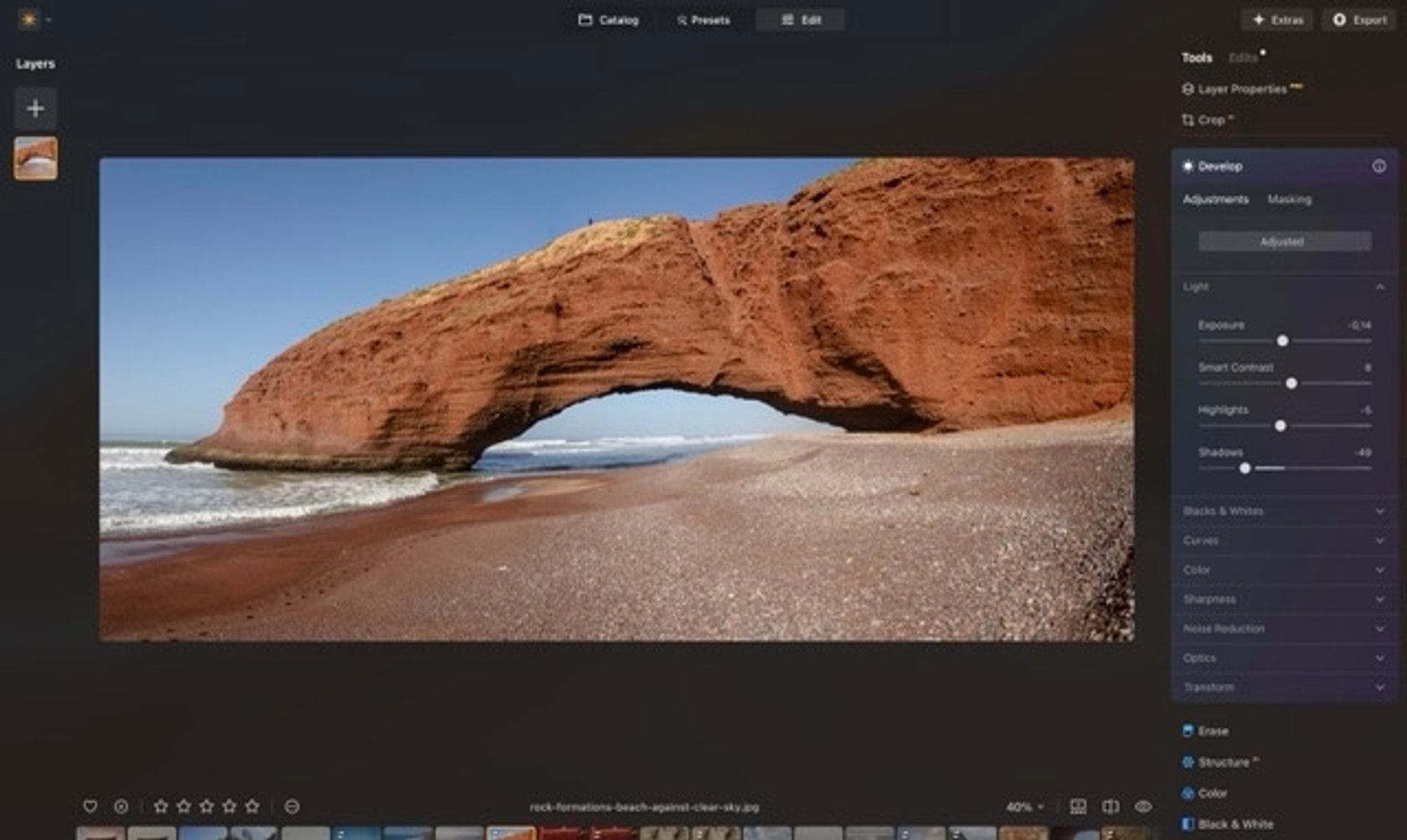 One of the most helpful additions in this update is Auto Adjust, a new feature integrated into the Develop and Develop RAW tools. Auto Adjust analyzes your image with one click and automatically adjusts key settings like exposure, highlights, shadows, and black and white levels.
 Photographers always prioritize performance, especially when working with large image libraries. That’s why Luminar Neo has introduced a new Catalog Cache Cleaning feature, now available in the Preferences panel.
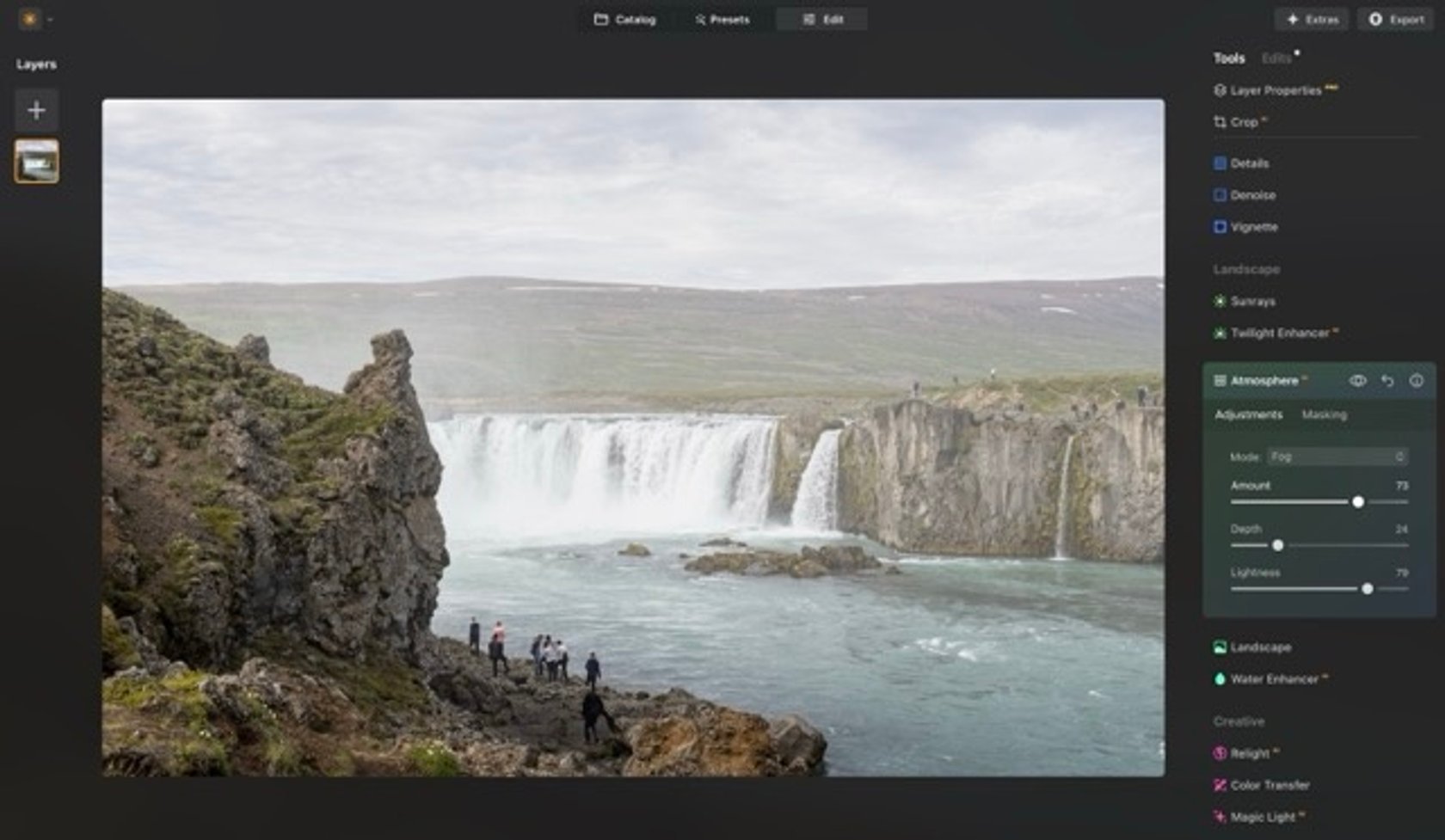 If you love adding mood to your photos, you’ll appreciate Atmosphere AI’s subtle yet noticeable upgrade. This update includes improvements to the tool’s underlying Depth Models, which result in more realistic and immersive fog effects.
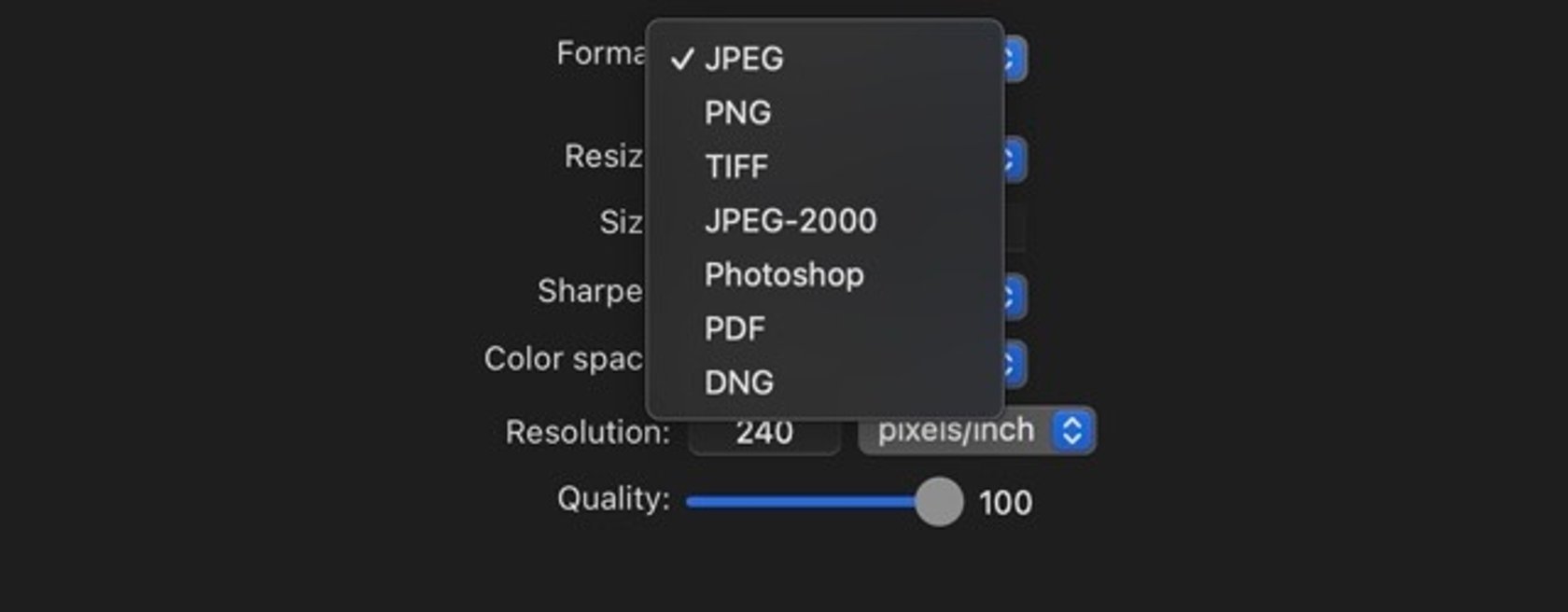 Finishing your edit is just as important as starting it, and the updated Export Menu in Luminar Neo makes that final step easier and more flexible than ever. The redesigned interface now gives you advanced control over how your images are saved and shared, offering customization for: